Bible stories your kids will beg to play.
Playful 2–4 minute Bible lessons for ages 5–10 — picture-book stories, tap-and-play games, and memory verses kids actually want to come back to.
Made by a dad, for his own kids.
Little Lamb Bible started as a bedtime-and-car-rides project for my own three kids — I wanted the whole Bible story told the way I'd tell it myself: warm, honest, and never scary.
Every story, every game, and every house rule in this app is one I'm comfortable handing to my own children — no ads, no strangers, no exceptions.
— John, dad of three
How it works
Every lesson is built to be finished in one sitting — short enough for wiggly kids, warm enough to want the next one.
Play a story
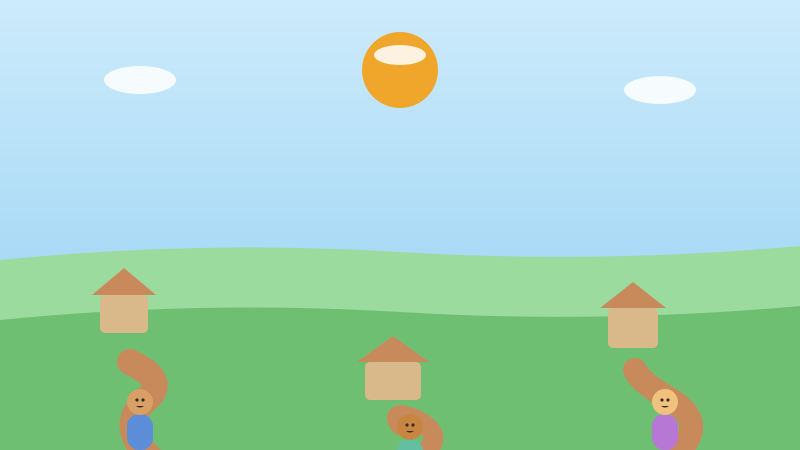
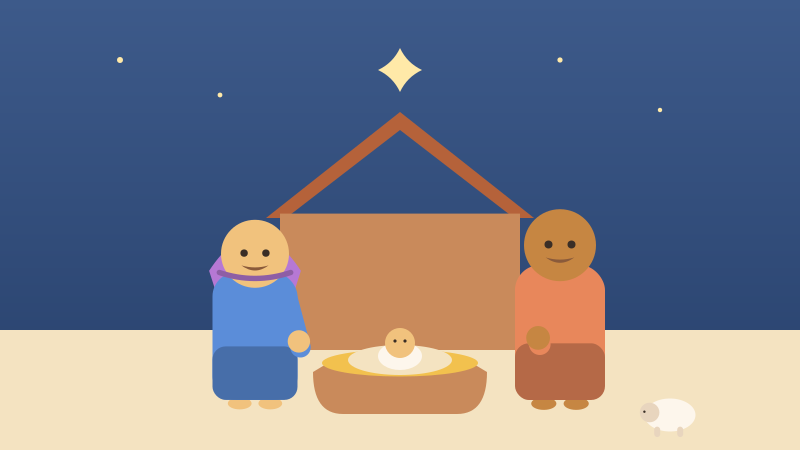
Warm, gentle picture-book cards walk through the Bible story beat by beat — read aloud or read-along.
Play the games
Tap, sort, match, and fill-in-the-verse games turn each story into something hands-on and memorable.
Grow every day
Earn badges, keep a gentle streak, and fill a Storybook with pictures from every lesson.
What's inside
13 units that walk through the whole Bible story, one gentle lesson at a time.
78 lessons · 6 game types · memory verses kids actually remember



What kids learn
Little Lamb Bible follows the big story from Creation all the way to the first church — so kids don't just learn Bible facts, they see how it all fits together, one true story with one steady thread of love running through it.
Along the way, kids pick up memory verses in bite-sized, kid-friendly pieces, and meet gentle values worth carrying into everyday life.
- Creation, a garden, and a love that never let go
- Promises kept across generations of one family
- A people, their kings, and hard days God stayed close through
- Jesus — his birth, his stories, his kindness, his miracles
- A brand-new church learning to love like Jesus did
Safe by design
Built the way we'd want it built for our own kids.
Ad-free, forever
No ads, no pop-ups, no "watch a video to continue." Not now, not ever.
No chat, no strangers
There's no messaging, no comments, and no way for your child to talk to anyone online.
No surprise purchases
There's nothing for kids to buy, tap-to-pay, or accidentally charge inside the app.
Works offline
Once a lesson is loaded, stories and games keep working with no wifi — great for the car or a quiet corner.
Hard stories, told gently
Every story is framed around rescue and love, never fear — no violence, no peril, no nightmares.
A parent gate
Parent views and family controls sit behind a simple press-and-hold grown-up check.
Want the full walkthrough — screenshots included? Read the Parent's Guide.
Install anywhere
Little Lamb Bible is a website that installs like an app — nothing to download from an app store.
iPhone & iPad
- Open the site in Safari
- Tap the Share icon
- Choose "Add to Home Screen"
Android
- Open the site in Chrome
- Tap the menu (⋮)
- Choose "Add to Home screen" or "Install"
Computer
- Open the site in Chrome
- Click the Install icon in the address bar
- Confirm "Install"
It's a website that installs like an app — there's nothing to find or download from an app store.
Frequently asked questions
What ages is this for?
Little Lamb Bible is designed for kids ages 5–10. Stories are read aloud with pictures, so it works well for pre-readers too, and games get more independent as kids grow.
How much does it cost?
Little Lamb Bible is free during the beta. We'll be upfront with families well before anything changes.
Does it work offline?
Yes. Once a lesson has loaded, its story and games keep working without wifi — handy for car rides or anywhere the signal is spotty.
Which Bible does it use?
Stories are kid-friendly retellings of Bible events, paired with short memory verses drawn from the World English Bible.
Can I add more than one kid?
Not in the public beta yet. Today, progress stays in this browser. Optional multi-child family profiles are planned for a later release.
Is my child's data safe?
No account is required in the public beta: progress stays in the browser, with no ads or tracking. Parent accounts remain off until the family-data safeguards are ready.
Who makes this?
An independent developer — a dad building the app he wants his own three kids to use. There's more detail in the Parent's Guide.