A Parent's Guide · 2026
Bible stories, learned by playing.
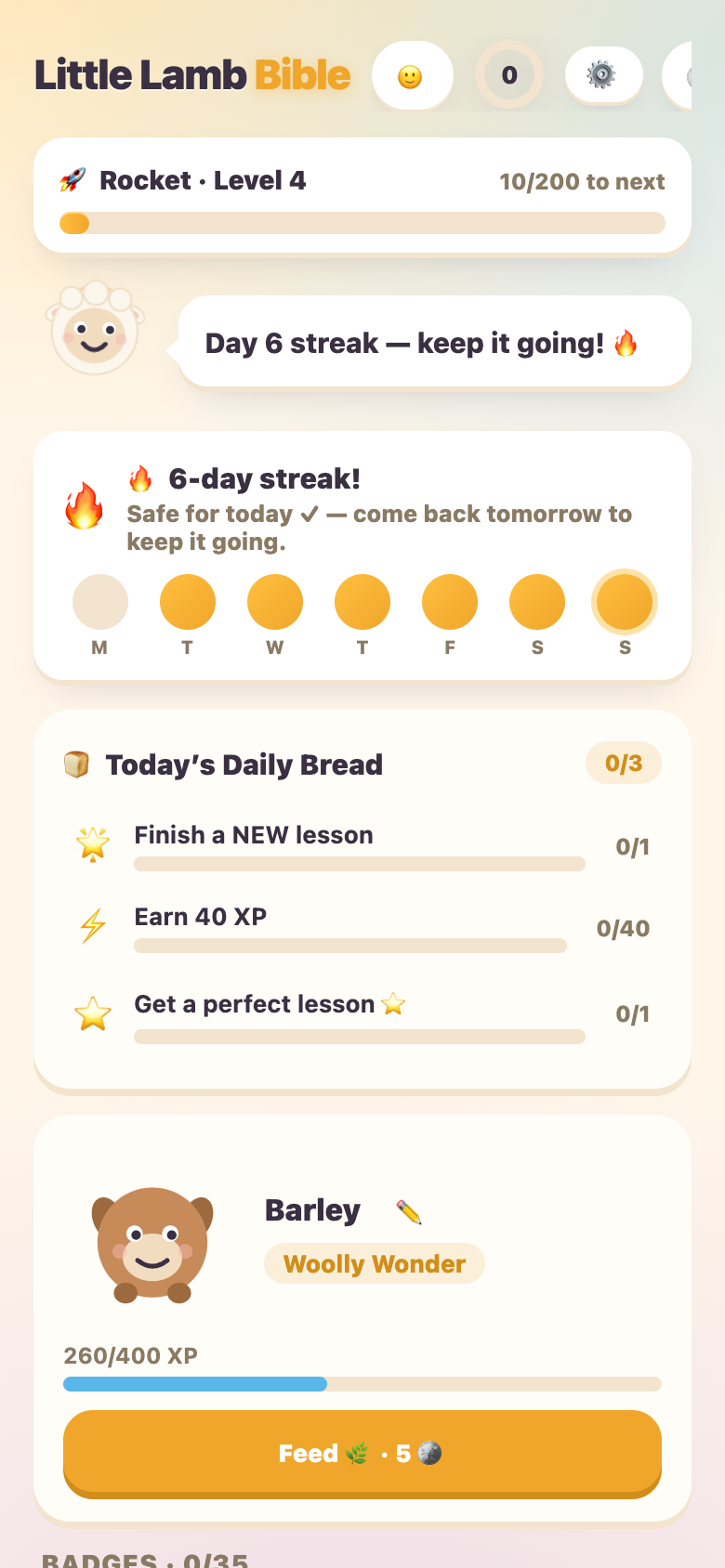
What is Little Lamb Bible?
I built this for my own kids. Little Lamb Bible is a free, swipe-card learning app that teaches the Bible the same way Duolingo teaches a language: short, playful lessons where a kid taps, sorts, and answers on almost every screen instead of just reading. Units 1-10 walk through the Bible in order, Creation through the early Church; units 11-13 add the Psalms, more of Jesus' parables, and the Proverbs. Each one is broken into six bite-size lessons.
Quick facts
Start in about 2 minutes
- 1. Open the app on your child's phone or tablet.
- 2. No sign-in needed. Progress stays in this browser during the public beta.
- 3. Pick any unit. The 13 units are open; lessons inside each unit unlock one at a time.
- 4. Optional: install it. Add Little Lamb Bible to the home screen for an app-like, offline-friendly experience.
How each lesson works
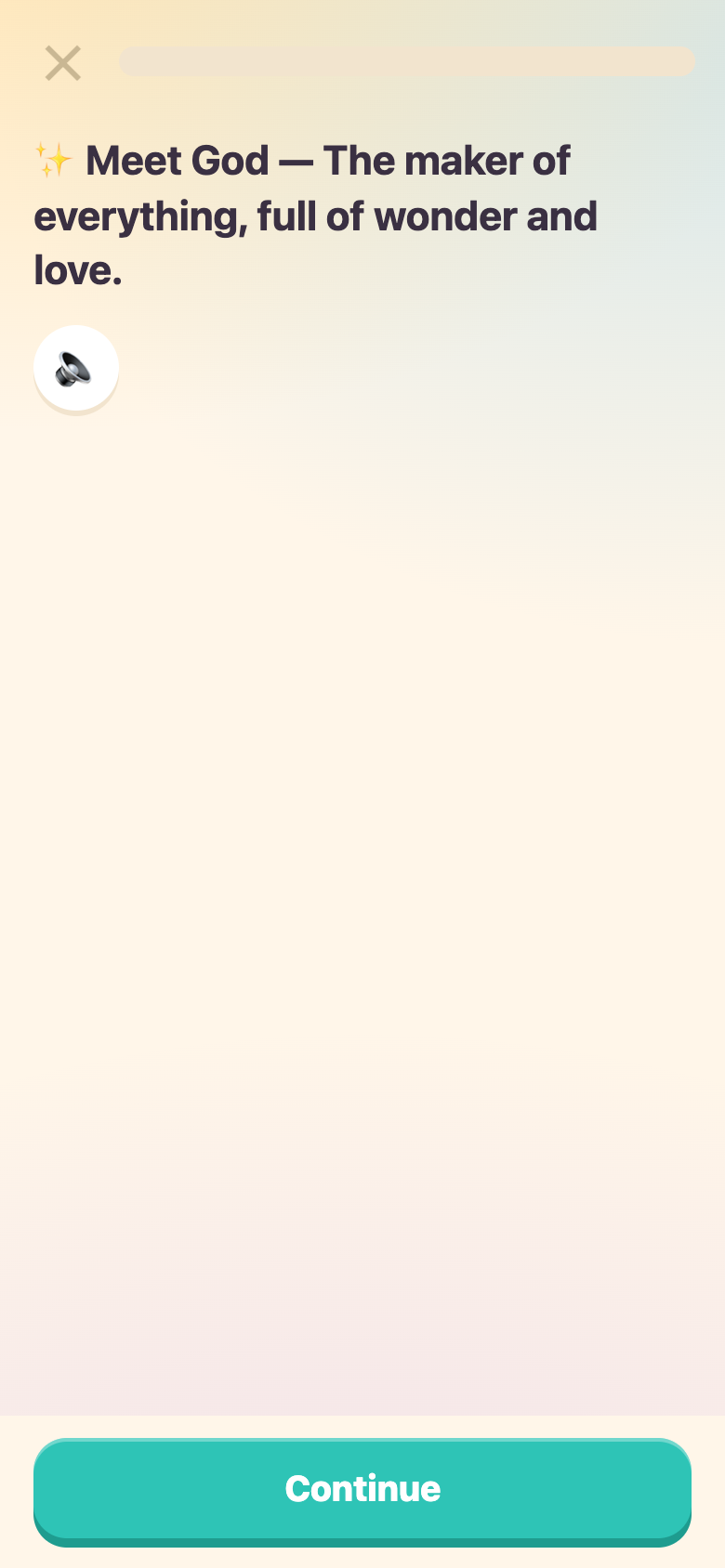
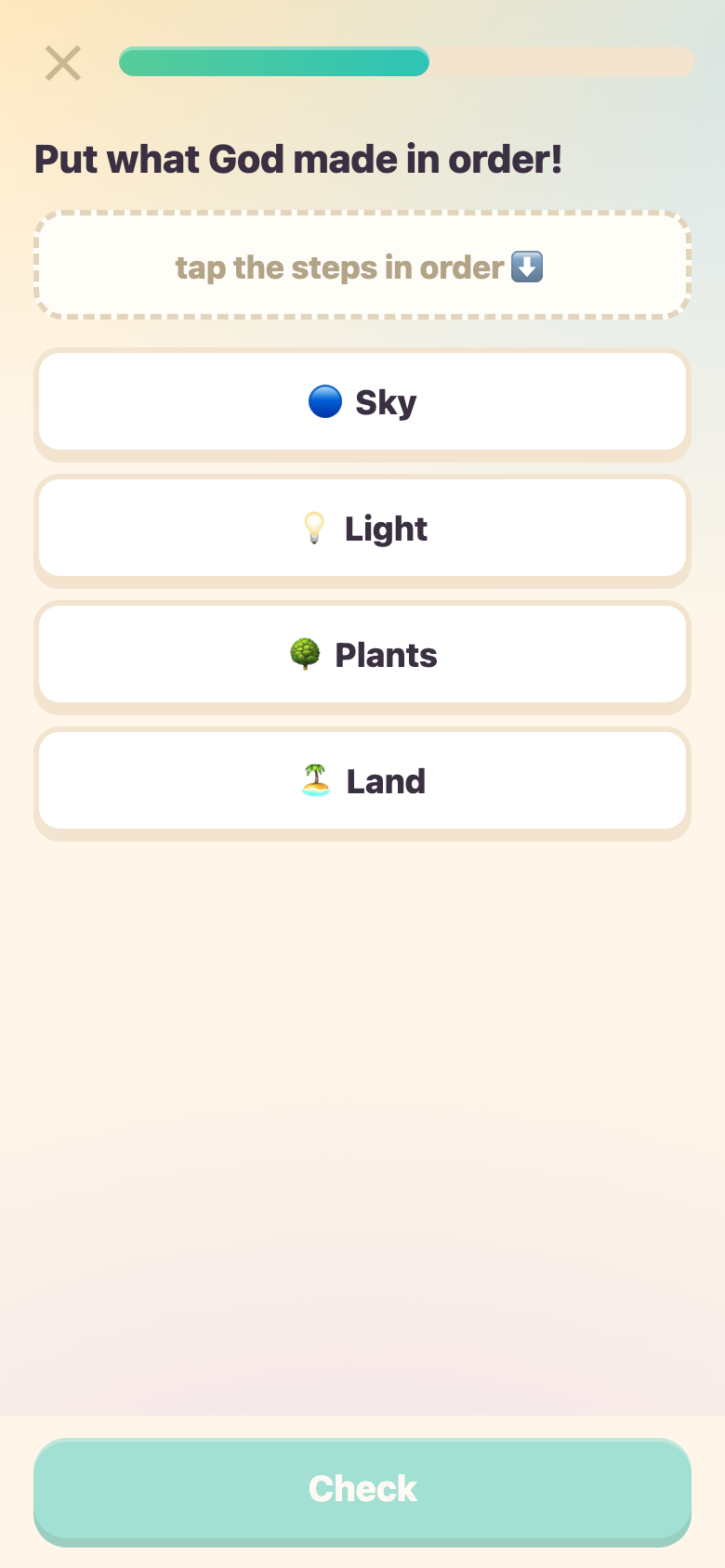
Every lesson tells one Bible story in small, illustrated beats, then checks understanding with a handful of quick activities. No wall of text, ever — the rule I hold every lesson to is no two reading screens in a row.
- Storybook scenes. The opening moment of every lesson is illustrated, so a pre-reader can follow the story from the pictures alone.
- A memory verse in every lesson. Each lesson closes on one verse worth remembering, cited by book and chapter.
- Real Scripture. Verse text comes from the World English Bible, a modern, public-domain, word-for-word translation — checked automatically against the source before anything ships.
- Hard stories are told gently, never skipped. Scarier moments (a flood, a giant, a storm) are reframed around rescue and God's care rather than peril or violence — the Bible's true stories, told at a 5-to-11-year-old's level.
- Missed answers come back. A card a kid gets wrong re-queues later in the same lesson, up to two more tries, so nothing is marked "done" until it's actually understood.
Six ways kids play
Every lesson mixes these six activities so a kid is doing something almost every screen, never just reading.
Choose the answer
Tap the right choice out of a few options about the story just told.
Fill in the blank
Tap the missing word to complete a line from the story or a memory verse.
Sort it out
Tap each item into the right bucket, one at a time — no dragging required.
Put it in order
Tap the events of a story into the order they really happened.
Tap the picture
Tap the right spot on a hand-drawn scene to answer the question.
Match pairs
Tap matching pairs of Bible words and pictures until the board clears.
The motivation layer
Everything here is earned by learning and spent inside the app — nothing can be bought with real money, and nothing leaves the app as a purchase.
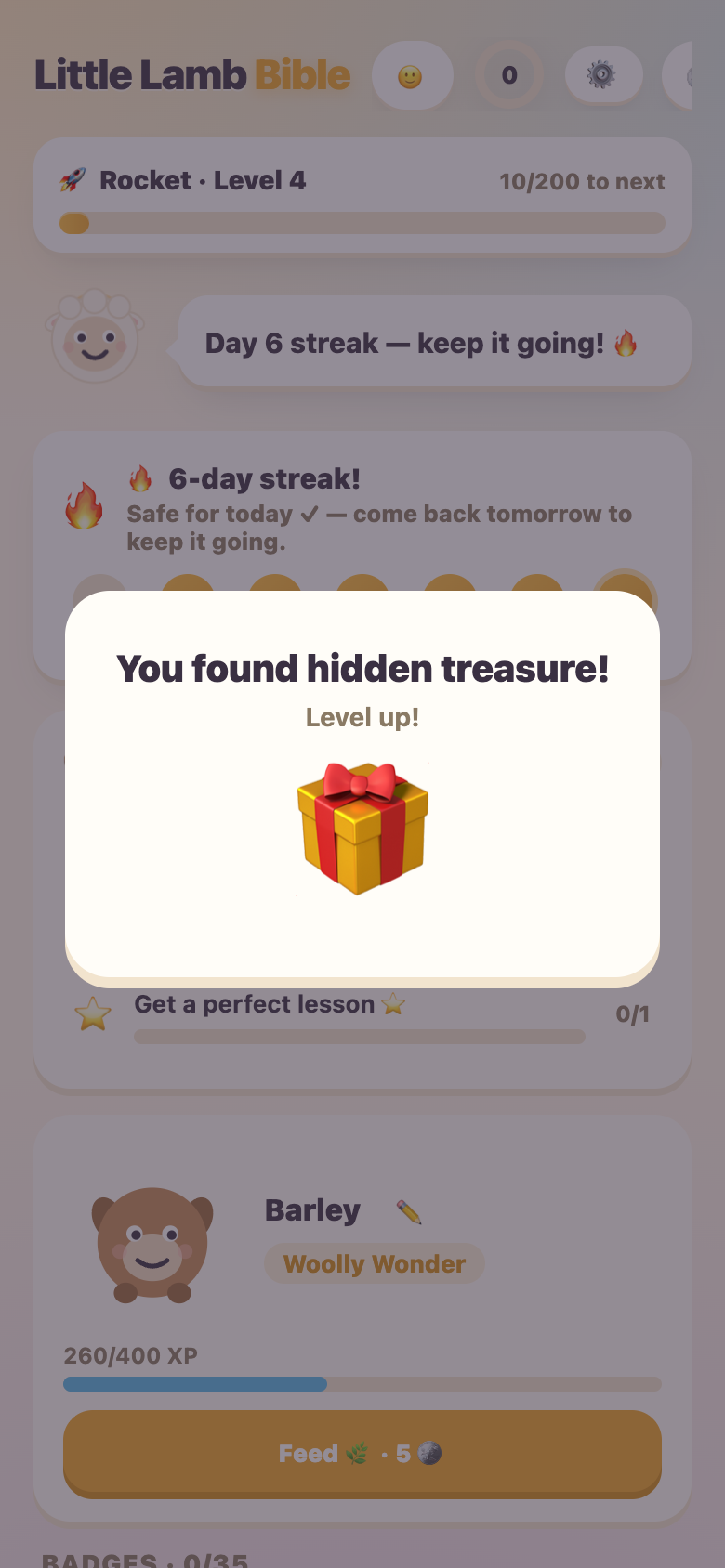
Talents, quests, and collections
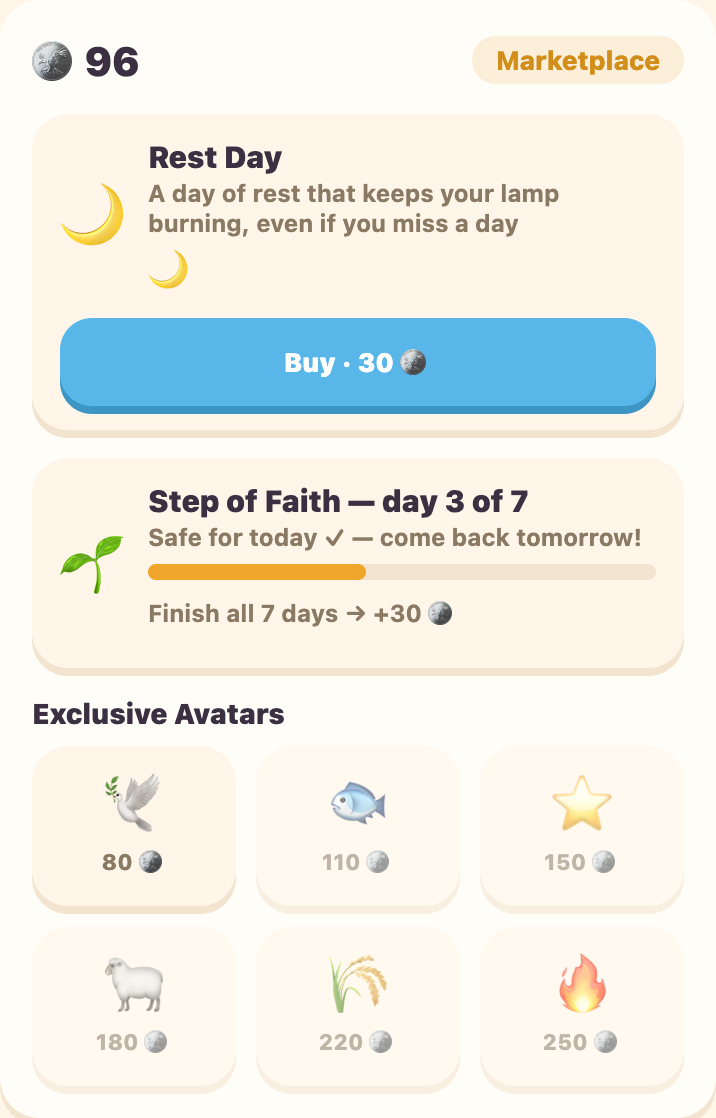
- Talents. Named after the Parable of the Talents — kids earn talents by finishing lessons and spend them in the Marketplace. This is a separate, cosmetic economy; it never touches XP or the leaderboard.
- Daily Bread quests. Three small, varied challenges reset each day ("finish 2 lessons", "get 5 right in a row"). Finishing one pays 10 talents; finishing all three is a little celebration.
- Rest Days. Bought with talents, a Rest Day protects a streak through one missed day — grace built into the habit, not a punishment for missing one.
- Step of Faith. A free, no-risk 7-day commitment: practice 7 days running and earn a talent bonus. Miss a day and it simply resets — nothing is ever lost.
- My Storybook. Pictures from completed lessons collect into a gallery that children can revisit like a storybook.
- Mailbox and badges. Lily sends gentle progress notes and a Sunday keepsake; 35 badges, levels, and a Rest-Day-protected streak mark learning milestones.
What's inside
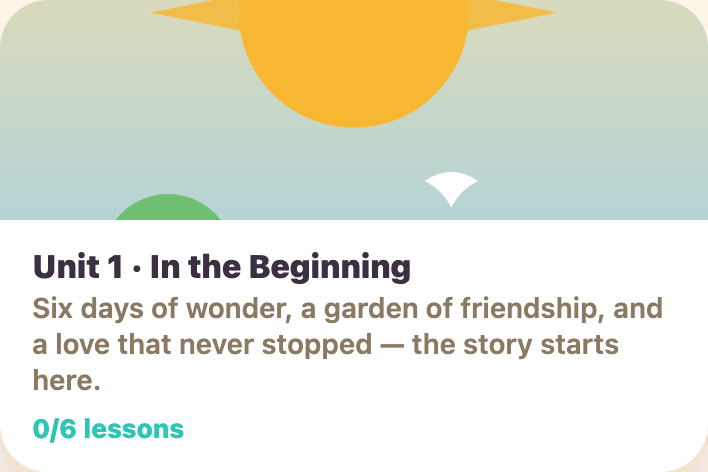
13 open units, Creation through the early Church and beyond. Lessons inside each unit unlock in order; each unit has six lessons of about 3-5 minutes.
- In the Beginning6 lessons — Creation, Eden, and God's steady love
- The Big Boat & the Rainbow Promise6 lessons — Noah, the flood, and the first rainbow
- The Promise Family6 lessons — Abraham, Isaac, Jacob, and Joseph
- Out of Egypt6 lessons — Moses, the Exodus, and the Ten Commandments
- Kings of Israel6 lessons — Samuel, David, and Solomon
- Meet Jesus6 lessons — the birth, boyhood, and early ministry of Jesus
- Stories Jesus Told6 lessons — the best-loved parables
- Brave Helpers6 lessons — Ruth, Esther, Elijah, and more
- Jesus' Miracles6 lessons — healing, provision, and wonder
- The First Church6 lessons — Pentecost and the earliest believers
- Songs to God6 lessons — six Psalms about trusting, thanking, and praising God
- More Stories Jesus Told6 lessons — six more parables, from the sower to the Good Shepherd
- Wise Words6 lessons — six Proverbs about kind words, listening, and good friends
Badges and progress
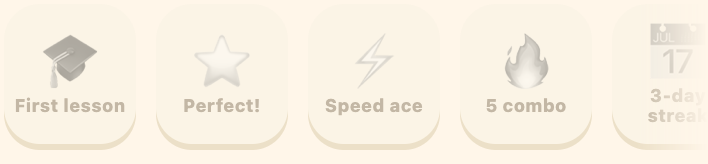
35 badges reward milestones like a perfect lesson, a streak, or finishing a whole unit.
Settings, accessibility, and privacy
Every kid can tune their own app
- Sound. On by default, one tap to mute.
- Read-aloud. Cards can be spoken automatically for pre-readers, using the device's built-in voice.
- Calm Mode. Dials confetti and animation down to the minimum for kids who are sensitive to motion.
Privacy, plainly
No kid data, ever
No account is required in the public beta. Progress stays in the browser and Little Lamb Bible has no ads, analytics, chat, or contact with strangers. Parent accounts and cross-device family profiles remain off until the family-data safeguards are ready.
Questions or worries about privacy? Just email me — see the last page.
Install it like an app
iPhone / iPad (Safari)
- Open the site in Safari.
- Tap the Share button (the square with the arrow pointing up).
- Tap "Add to Home Screen", then "Add".
Android (Chrome)
- Open the site in Chrome.
- Tap the three-dot menu.
- Tap "Add to Home screen" / "Install app".
Thank you
I'd love your feedback
Little Lamb Bible is a work in progress, built for my own kids' faith and reading habits. If your child tries it, I genuinely want to hear what worked, what confused them, and what story they wished it had.
Found a bug or a verse that doesn't look right? Please tell me — accuracy matters most of all here.
Thanks for reading, and for letting your kid learn with us.